
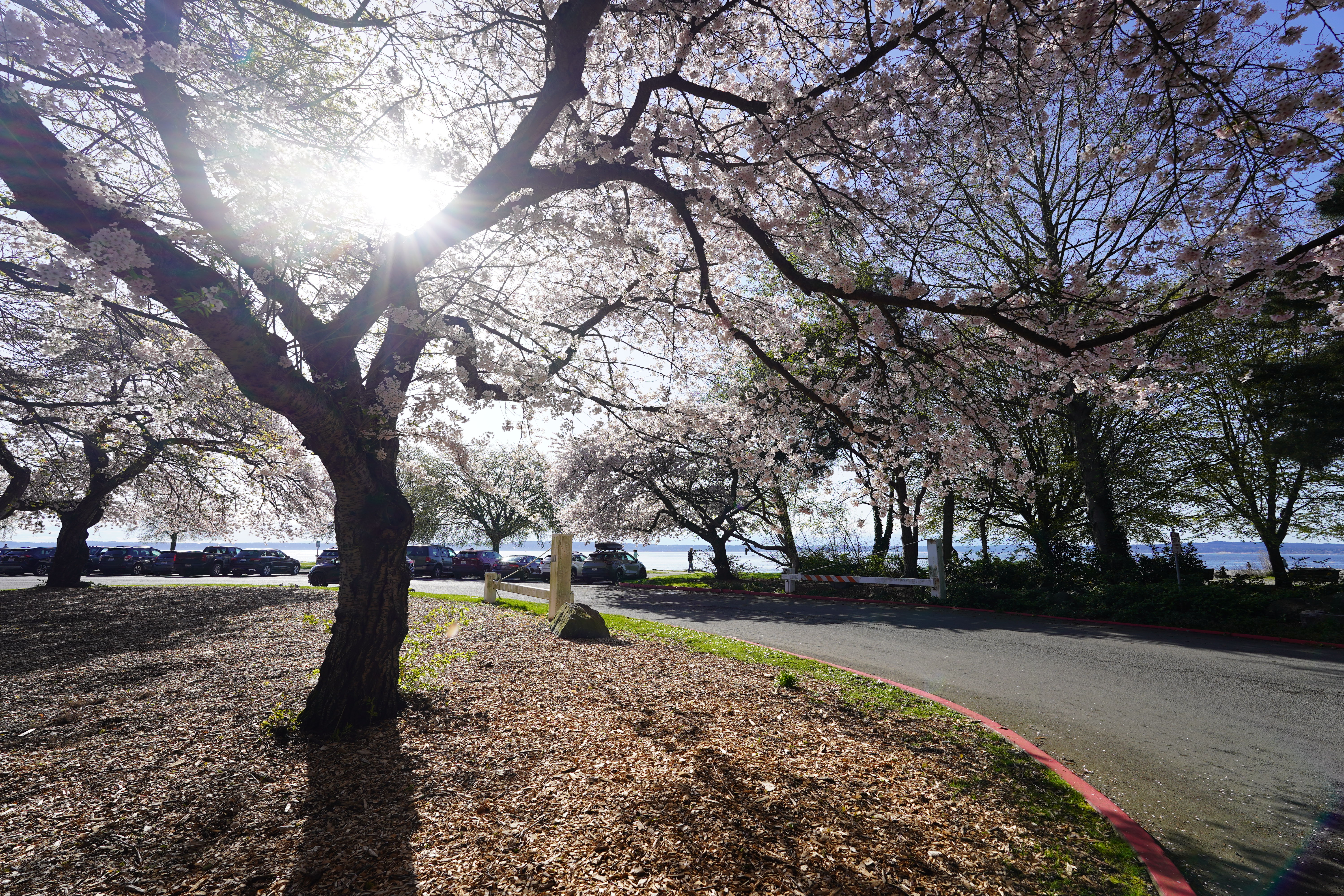
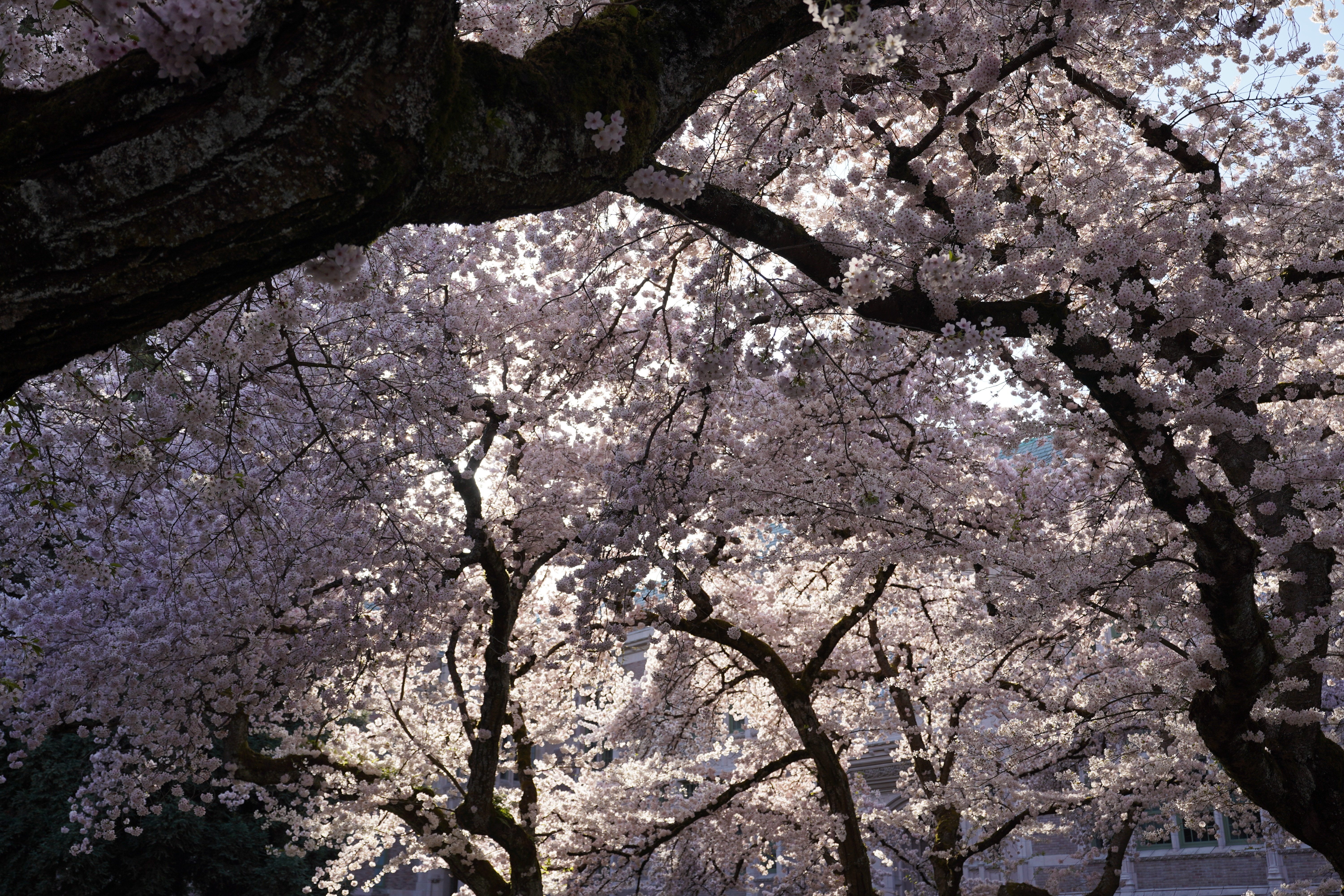
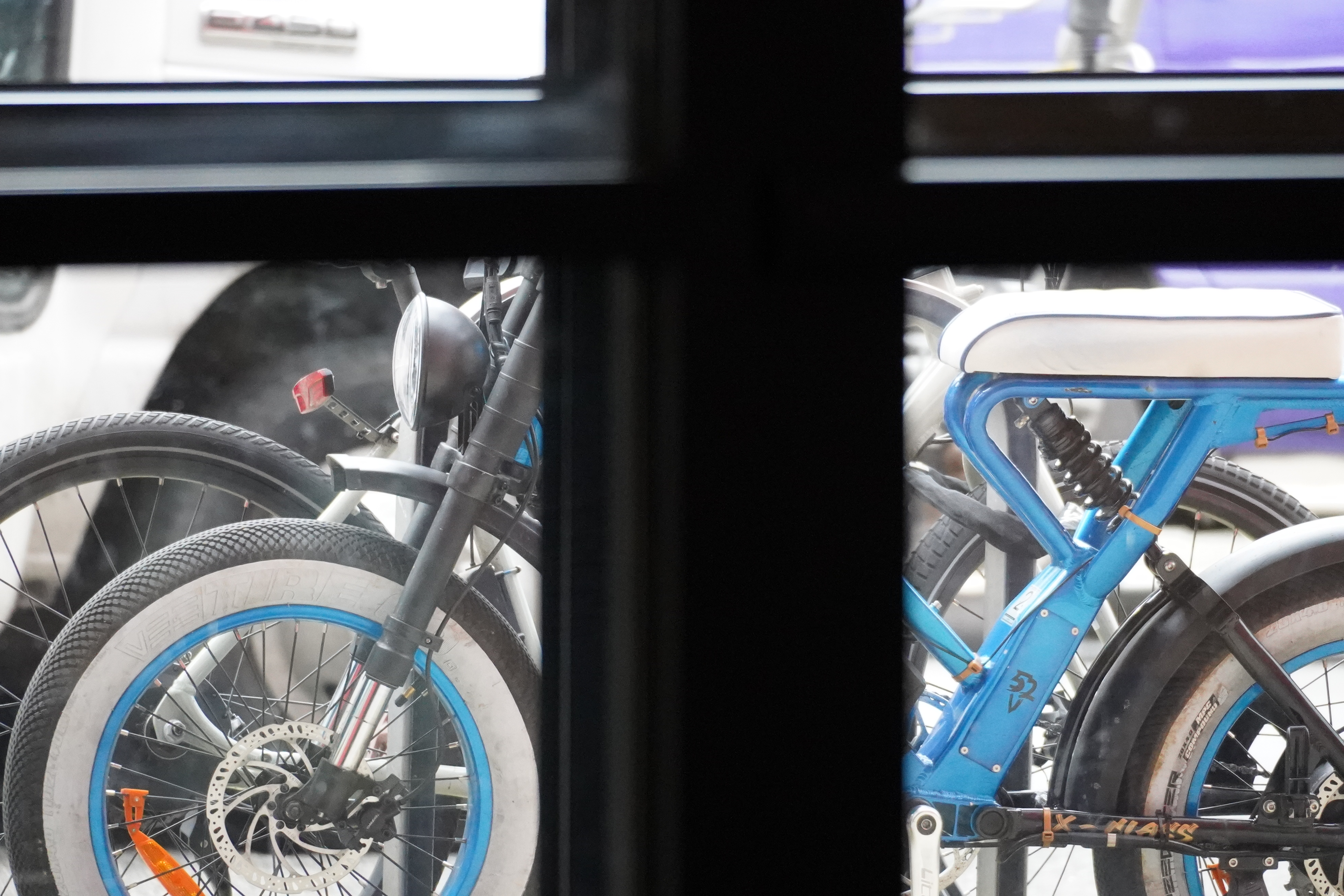
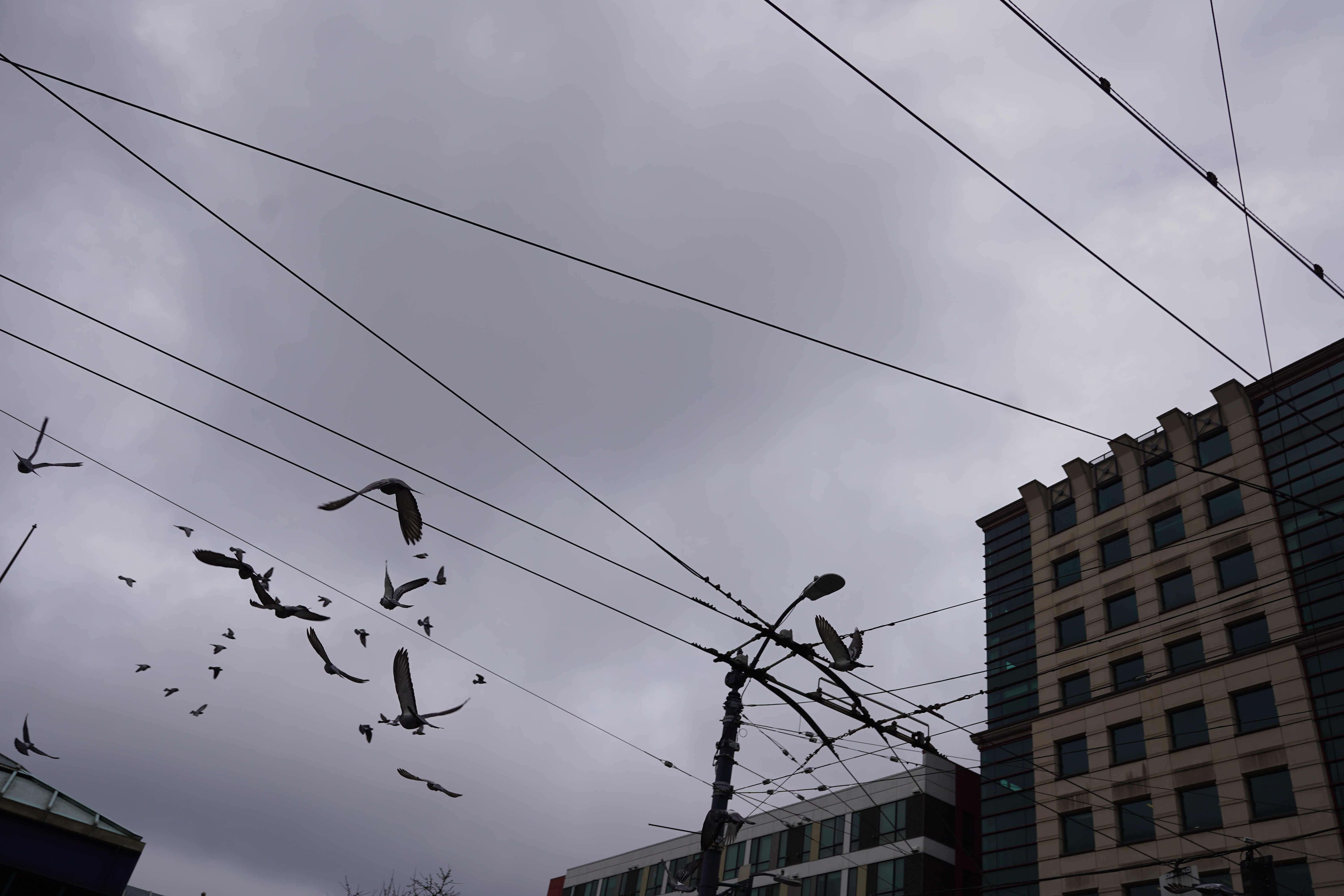
What’s up, everyone! It’s been quite some time since my last blog post—what a busy year it’s been! Among the new hobbies I’ve picked up, photography quickly became a favorite. It started with a casual visit to Glazer’s in South Lake Union, and next thing I knew, I was leaving with a pre-owned Sony A7C in hand. Now, one of my favorite activities is riding my E-Bike around Seattle, capturing photos of the city’s beautiful landscapes.
Given my growing collection of Seattle photos, I thought, “What’s a better way to enjoy them than with a custom Weather Dashboard running on a Raspberry Pi 3?” Thanks to the incredible help of ChatGPT 4.0-o, I’ve built exactly that: a sleek dashboard showcasing a dynamic slideshow of my photography, complete with live weather updates.
Below is the Python code behind this project. Feel free to review, suggest improvements, or even fork it from my GitHub repository. I’d love your feedback and any cool enhancements you might think of.
Thanks for checking it out—stay tuned for more updates and happy shooting!
import tkinter as tk
from PIL import Image, ImageTk, ImageOps
import os
import time
import requests
import random
import threading
from io import BytesIO

# ---------- CONFIGURATION ----------
IMAGE_DIR = os.path.expanduser('~/Desktop/LLM_SSD/)
WEATHER_API_KEY = ''  # Your WeatherAPI key
CITY = 'Seattle'
WEATHER_URL = f'https://api.weatherapi.com/v1/current.json?key={WEATHER_API_KEY}&q={CITY}&aqi=no'
RADAR_URL = "https://radar.weather.gov/ridge/standard/KATX_loop.gif"  # Seattle radar loop
VALID_EXTENSIONS = ('.jpg', '.jpeg', '.png')
MAX_IMAGES = 1000
SLIDESHOW_DELAY = 5000

# ---------- IMAGE CHECK ----------
def is_valid_image(path):
    try:
        with Image.open(path) as img:
            img.load()
        return True
    except Exception as e:
        print(f"Skipping: {path} — {e}")
        return False

# ---------- MAIN WINDOW ----------
root = tk.Tk()
root.title("Redfred's Dashboard")
root.attributes('-fullscreen', True)
root.configure(bg='black')
screen_width = root.winfo_screenwidth()
screen_height = root.winfo_screenheight()

# ---------- CANVAS LAYOUT ----------
canvas = tk.Canvas(root, width=screen_width, height=screen_height, bg='black', highlightthickness=0)
canvas.pack(fill='both', expand=True)

# Split screen layout
SLIDE_WIDTH = int(screen_width * 0.7)
RADAR_WIDTH = screen_width - SLIDE_WIDTH

# ---------- CLOCK + WEATHER ----------
top_frame = tk.Frame(root, bg='black')
top_frame.place(relx=0, rely=0, relwidth=1.0)

clock_label = tk.Label(top_frame, font=('Helvetica', 48), fg='white', bg='black')
clock_label.pack(side='left', padx=40)

weather_label = tk.Label(top_frame, font=('Helvetica', 36), fg='white', bg='black')
weather_label.pack(side='right', padx=40)

def update_clock():
    now = time.strftime('%A, %I:%M:%S %p')
    clock_label.config(text=now)
    root.after(1000, update_clock)

def update_weather():
    if not WEATHER_API_KEY:
        weather_label.config(text='No API key set')
        return
    try:
        r = requests.get(WEATHER_URL, timeout=5)
        data = r.json()
        condition = data['current']['condition']['text']
        temp = data['current']['temp_f']
        weather_label.config(text=f'{condition}, {temp}°F')
    except Exception as e:
        print(f"Weather error: {e}")
        weather_label.config(text='Weather unavailable')
    root.after(60000, update_weather)

# ---------- IMAGE SLIDESHOW ----------
image_files = []
index = 0
slideshow_running = True
current_image_id = None
fade_steps = 10

def load_images():
    global image_files
    print("Loading images...")
    for root_dir, _, files in os.walk(IMAGE_DIR):
        for file in files:
            full_path = os.path.join(root_dir, file)
            if full_path.lower().endswith(VALID_EXTENSIONS) and is_valid_image(full_path):
                image_files.append(full_path)
            if len(image_files) >= MAX_IMAGES:
                break
    print(f"Loaded {len(image_files)} images.")
    reshuffle_images()

threading.Thread(target=load_images, daemon=True).start()

def show_image(path):
    global current_image_id
    try:
        img = Image.open(path)
        img = ImageOps.contain(img, (SLIDE_WIDTH, screen_height))  # maintain aspect ratio
        black_bg = Image.new('RGB', (SLIDE_WIDTH, screen_height), 'black')
        black_bg.paste(img, ((SLIDE_WIDTH - img.width) // 2, (screen_height - img.height) // 2))
        photo = ImageTk.PhotoImage(black_bg)

        if current_image_id is None:
            current_image_id = canvas.create_image(0, 0, image=photo, anchor='nw')
        else:
            fade_to(photo)

        canvas.image = photo  # keep a reference
    except Exception as e:
        print(f"Image load error: {e}")

def fade_to(new_photo):
    global current_image_id
    for alpha in range(0, 256, int(256 / fade_steps)):
        blended = canvas.image._PhotoImage__photo.copy()
        blended.tk.call(blended, 'put', new_photo)
        canvas.itemconfig(current_image_id, image=blended)
        canvas.update()
        time.sleep(0.03)
    canvas.itemconfig(current_image_id, image=new_photo)
    canvas.image = new_photo

def update_image():
    global index
    if not image_files:
        canvas.create_text(SLIDE_WIDTH//2, screen_height//2, text="Loading Images...",
                           fill="white", font=('Helvetica', 36))
        root.after(1000, update_image)
        return

    path = image_files[index % len(image_files)]
    show_image(path)
    index += 1
    root.after(SLIDESHOW_DELAY, update_image)

def show_next_image(): global index; index += 1; update_image()
def show_previous_image(): global index; index = (index - 1) % len(image_files); update_image()
def reshuffle_images(): global index; random.shuffle(image_files); index = 0; update_image()

# ---------- RADAR ----------
def update_radar():
    try:
        response = requests.get(RADAR_URL, timeout=10)
        radar_img = Image.open(BytesIO(response.content))
        radar_img = ImageOps.contain(radar_img, (RADAR_WIDTH, screen_height))
        radar_photo = ImageTk.PhotoImage(radar_img)
        canvas.create_image(SLIDE_WIDTH, 0, image=radar_photo, anchor='nw')
        canvas.radar = radar_photo  # prevent garbage collection
    except Exception as e:
        print(f"Radar error: {e}")
    root.after(300000, update_radar)  # refresh every 5 minutes

# ---------- HOTKEYS ----------
root.bind('<Right>', lambda e: show_next_image())
root.bind('<Left>', lambda e: show_previous_image())
root.bind('<r>', lambda e: reshuffle_images())

# ---------- INIT ----------
update_clock()
update_weather()
update_radar()
update_image()
root.mainloop()
 Redfred's Laboratory
Leave a comment